Add The Devrio Dashboard To Your Phone's Home Screen
Learn how to easily add the Devrio dashboard as a mobile bookmark on your IOS or Android device. Easily access the activity feed, send intake feature, and more without having to log in multiple times.
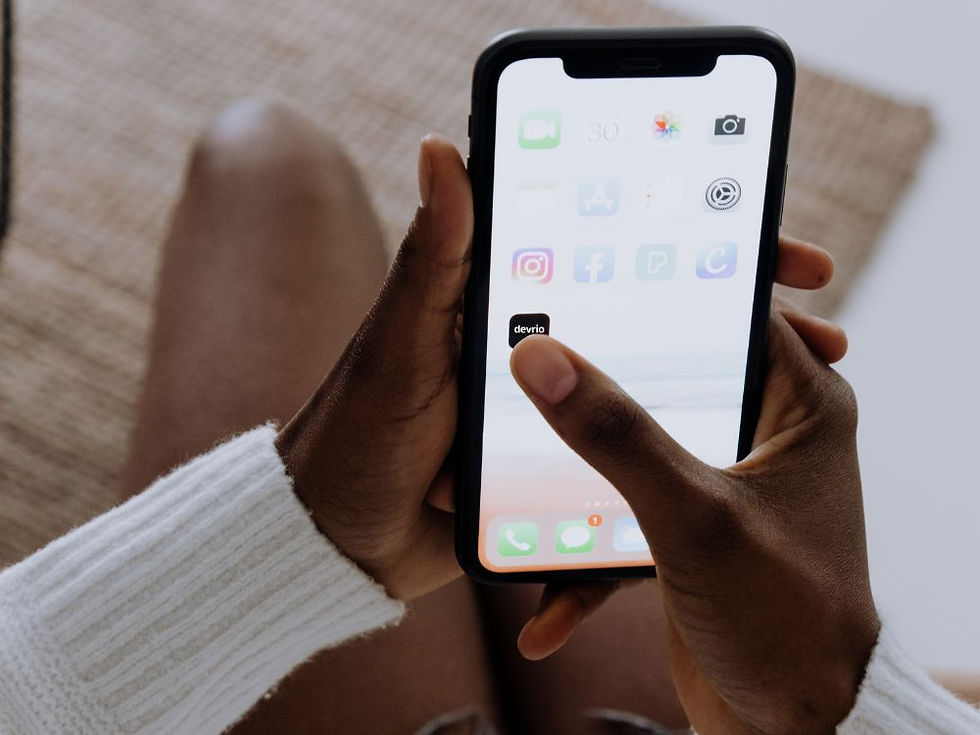
For iPhone or iPad Users (Safari Browser)
Open Safari
Launch the Safari browser on your iPhone or iPad.
Log in to Devrio
Log in to www.app.devrio.co
Tap the Share Page Icon
Typically within the three dots "..." menu and looks like an arrow pointing up (bottom center of your screen).
Select “Add to Home Screen”
Scroll down in the menu and tap Add to Home Screen.
Rename to "Devrio"
You can edit the name that appears under the icon.
Tap “Add”
The icon will now appear on your home screen like a mobile app.
*All Apple devices must use Safari to bookmark websites to the homepage.
For Android, Google Pixel, and Samsung Devices (Google Chrome Browser)
Open Google Chrome
Launch the Google Chrome app.
Log in to Devrio
Log in to www.app.devrio.co
Tap the Three Dots Menu
Located in the top-right corner.
Tap “Add to Home screen”
Select this option from the dropdown menu.
Confirm
Tap Add when prompted.
Done!
The website will now appear on your home screen like an app.
*All Apple devices must use Safari to bookmark websites to the homepage.
Helpful Graphic

Comments